
Application settings
Adjust your Artome Connect application related settings. Theme Choose between a dark or light theme or follow the system setting.
Video: Adjusting and Disabling the Automatic Keystone
How to adjust and disable automatic keystone on Artome X12. Written instructions here.
Video: Artome Connect app
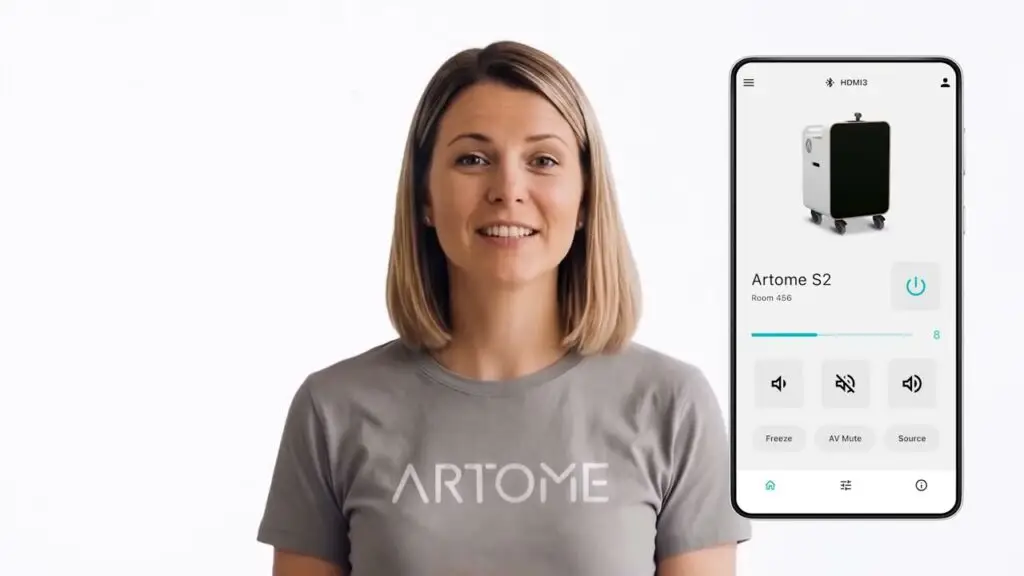
Introducing the Artome Connect mobile app.
Video: Artome X12 – Fast AV Setup for Multi-Purpose Rooms
Set up the Artome X12 in your multi-purpose room in 20 seconds.
Video: Using Artome X12 in Multi-Purpose Rooms
Introduction to Artome X12 in multi-purpose rooms.
Video: Connecting Catchbox to Artome

How to connect a Catchbox system to your Artome device. For more information check out this article.
X12 Installation Guide
Adjusting Automatic Keystone
Automatic keystone makes image adjustment effortless. However, the automatic keystone doesn’t work in all situations e.g. projecting in an angle or to an uneven surface. You can disable the automatic keystone and adjust the image manually. Video instructions here. Adjusting Automatic Keystone Offset If the automatic adjustment is not adequate, you can adjust the offset. […]
Connecting RoomMate System to Artome
With Logi RoomMate you can turn your Artome to a complete Teams Rooms / Zoom Rooms system on wheels. You will get a fully integrated movable hybrid conferencing room solution combined with professional audio and projection. What you will need Setup Instructions Install the Logi RoomMate Place the Logi RoomMate on the cart’s rack shelf. […]
Installing Catchbox Microphone System to Artome
Let the Artome unit manage playback and the Catchbox Hub handle distortion-free speech input, and get a high-end sound system for in-person and hybrid meetings. Also check out the installation video. What will you get? What will you need? Step-by-step instructions Configure Artome input to line level To avoid distortion, the Artome unit must be […]